Practical articles from GLOBAL IT ZONE to help you understand camera coverage, recording and everyday maintenance. Explore the guides below, then contact our Patna team to discuss your site.
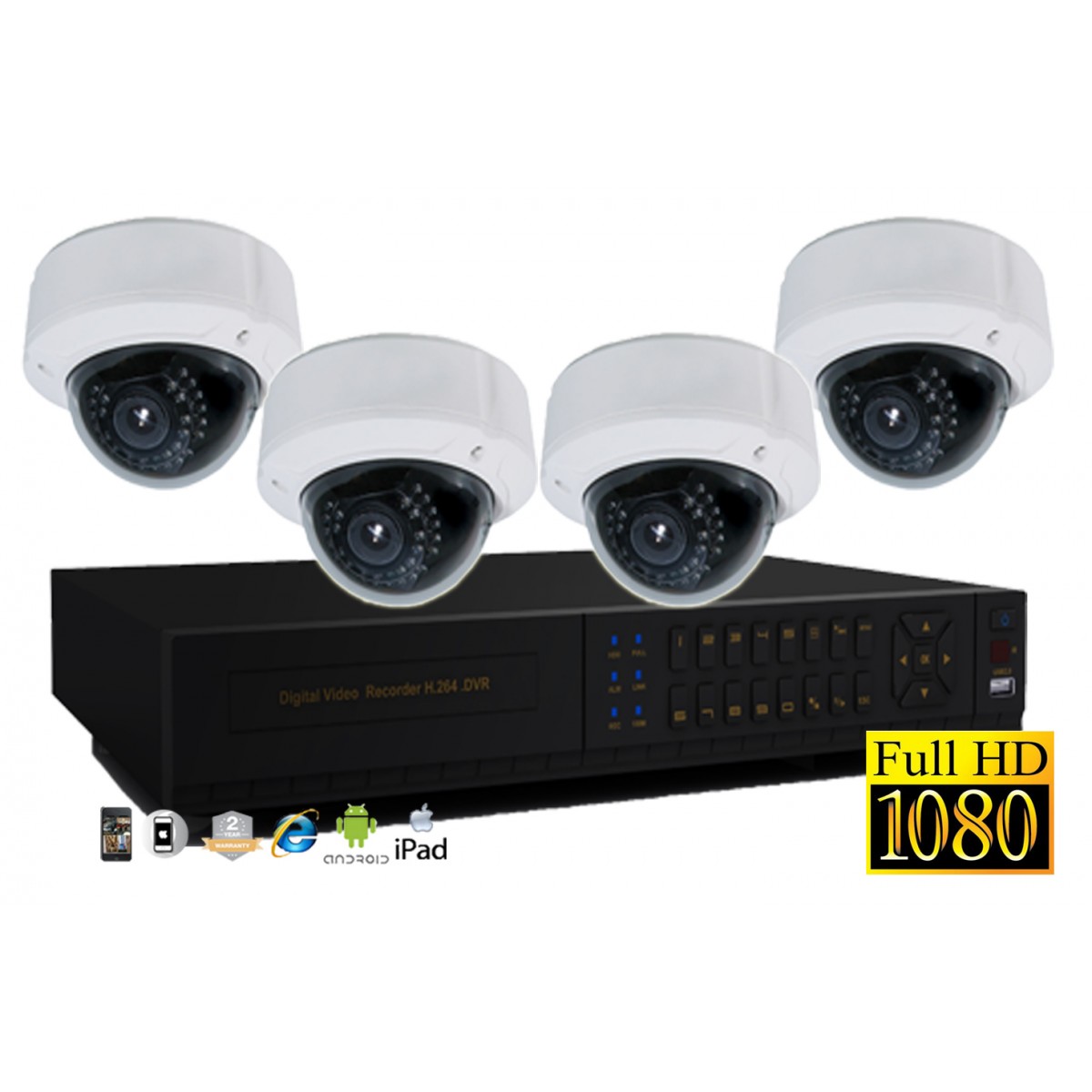
Example of cameras and a recorder in a CCTV system.
A CCTV installation brings together cameras, a recorder, storage and a way to view footage. Network cameras send video over a network; the recording system lets you search and export it. Plan the areas you need to cover before choosing equipment. For a shop, discuss entrances, the sales counter and stock areas with your installer. Ask for a demonstration of both live viewing and recorded playback before accepting the installation.
A wide-angle view illustrates how camera coverage changes what you can see.
Camera shape and coverage should suit the location. Fixed cameras watch a defined view, panoramic cameras cover a wider area, and pan-tilt-zoom cameras can change their view. Decide what you need to see at each position, rather than choosing every camera by its megapixel count. Check the actual view on site and discuss outdoor protection, installation height and any obstructions with your installer.
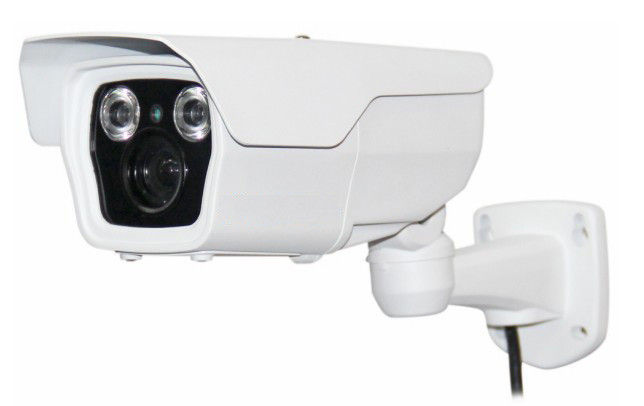
An infrared camera; test its recorded picture under your actual night-time conditions.
Test a camera with moving subjects after dark. A still scene can look sharp while a person walking through it appears blurred because of a slow shutter. Lighting, exposure and focus all affect usable detail. Infrared reflections can also spoil the picture. Review footage under the lighting conditions you actually expect, including bright entrances and vehicle headlights.
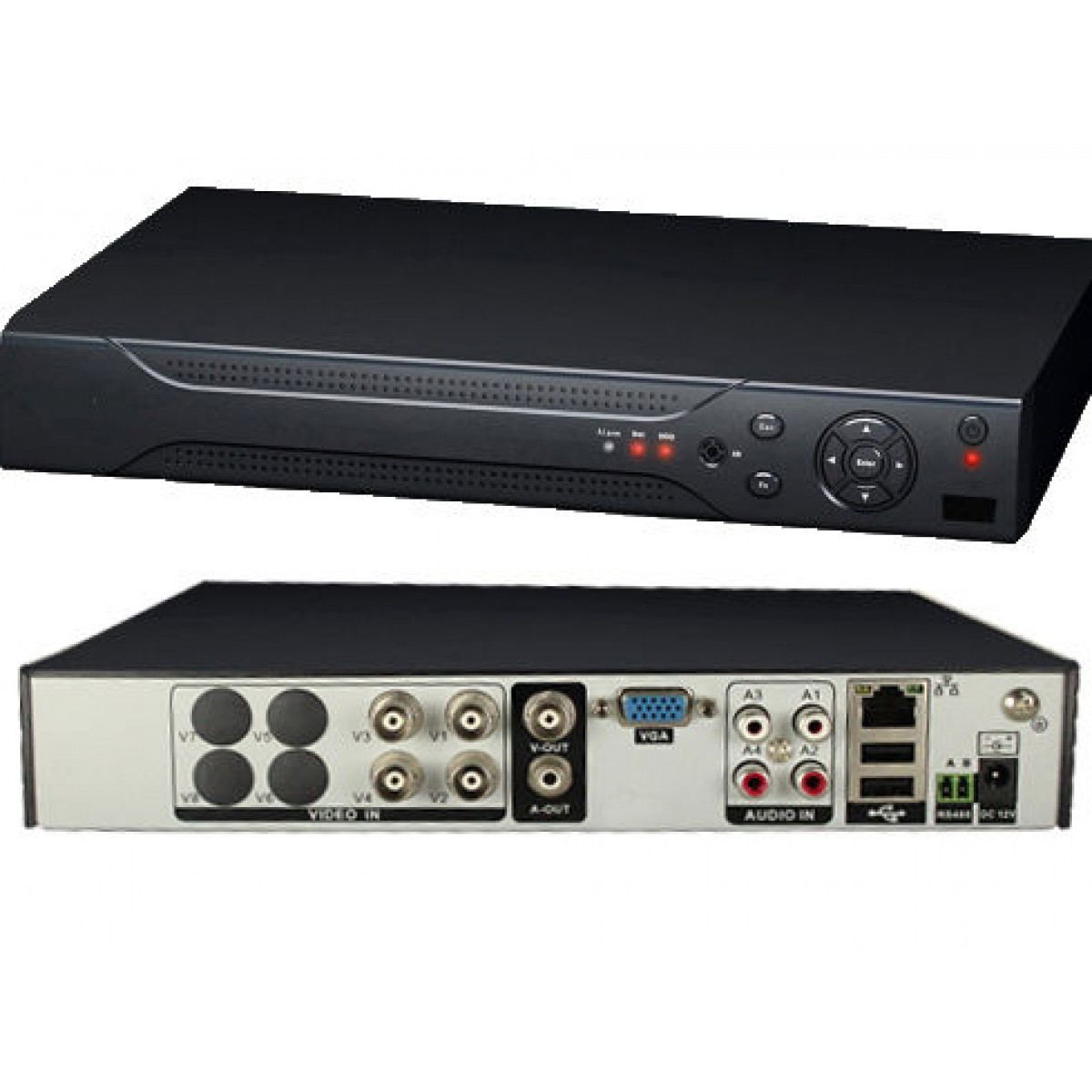
A recorder provides connections for cameras and recorded video storage.
Footage can be stored on a recorder, at the camera or through a supported cloud service. Choose storage around your recording needs and the equipment you use. Ask how long recordings will be retained, what happens when storage fills, and how to export an important clip. Verify the answer with the installed settings instead of assuming a disk size guarantees a particular number of days. Keep important exported clips somewhere separate from the recorder.
Check camera position and setup when investigating picture problems.
Start with a specific symptom: is the live picture unclear, or is a recording missing? For a blurry image, check focus, lighting and whether movement causes the blur. For missing recordings, ask your installer to check the recording schedule and storage status. Note the camera name and time of the problem. Before changing settings, keep a record of the current configuration and test one change at a time.
A broad view of a vehicle entrance does not automatically provide a readable plate. Distance, viewing angle, lighting and motion affect the detail in a recording. Test with vehicles moving through the intended capture point in daytime and at night. Ask for sample recorded footage from the proposed position. If automatic plate recognition is required, confirm that capability separately with the installer.